Creating a home office that balances comfort and productivity can greatly improve your work-from-home experience. An inviting and efficient workspace helps reduce distractions, inspires focus, and supports your well-being throughout the day. Whether you have a dedicated room or a small corner, these tips will guide you in crafting a cozy and productive home office environment.
Choose the Right Location
Selecting the perfect spot for your home office is the first step. Ideally, pick a quiet area with minimal foot traffic to avoid interruptions. Natural light is a bonus — a desk near a window can boost your mood and energy levels. If natural light is limited, make sure to invest in good quality artificial lighting to reduce eye strain.
Consider Ergonomics
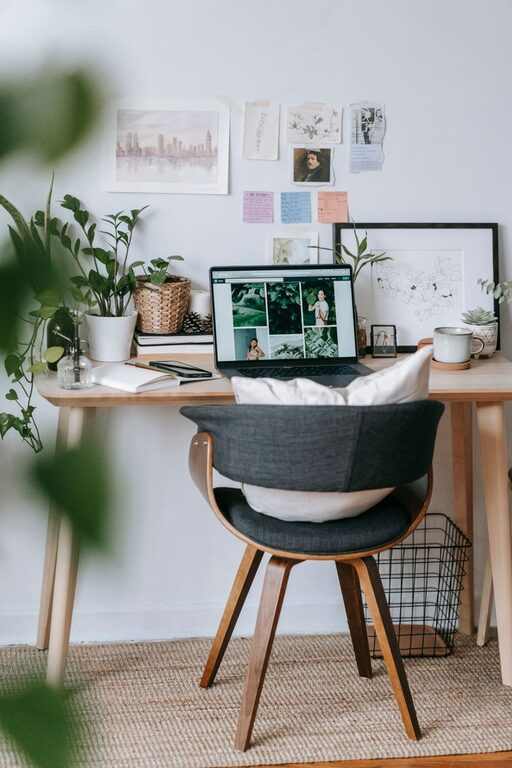
Once you pick your space, focus on setting up an ergonomic workspace. A comfortable chair with good lumbar support and a desk at the right height are essential. Your screen should be at eye level to prevent neck strain, and your feet should rest flat on the floor or on a footrest. Ergonomic accessories like keyboard trays and adjustable monitor stands can make a big difference.
Enhance Lighting
Lighting affects both your mood and productivity. Aim for a mix of natural and artificial lighting:
– Natural Light: Position your desk near windows to benefit from daylight.
– Task Lighting: Use a desk lamp that provides focused light without glare.
– Ambient Lighting: Soft overhead or wall lighting creates a pleasant atmosphere.
Avoid harsh fluorescent lights; instead, opt for warm or daylight bulbs that reduce eye fatigue.
Declutter and Organize
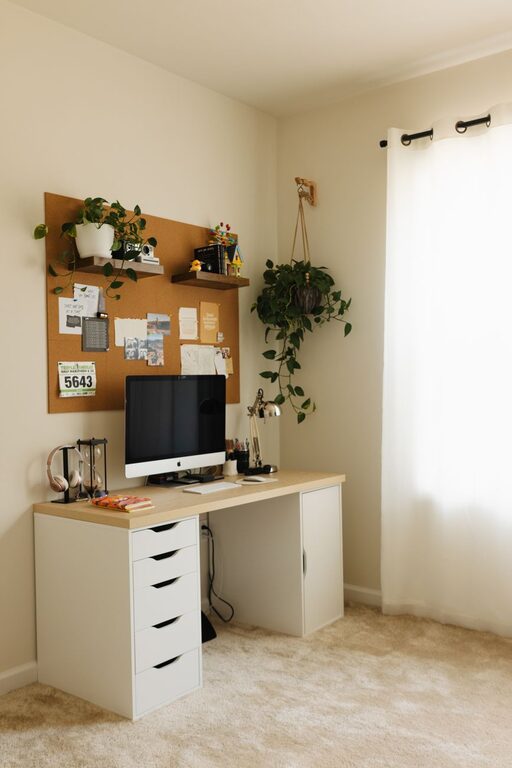
A tidy workspace can help clear your mind and boost efficiency. Use storage solutions like shelves, drawers, and organizers to keep papers, tools, and tech gadgets in place. Maintain only the essentials on your desk to avoid distractions. Establish a regular cleaning routine to keep your office neat and inviting.
Use Organizational Tools
– Desk trays for documents
– Cable management clips or sleeves
– Labelled boxes or bins for supplies
– Digital tools like task managers or calendars for planning
Personalize Your Space
Adding personal touches makes your office more inviting and reflects your personality. Consider:
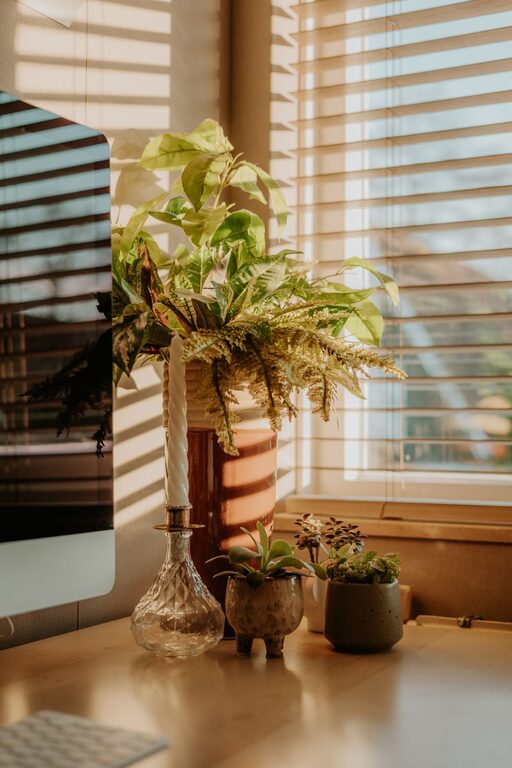
– Plants for a touch of greenery and improved air quality
– Artwork or photos that inspire you
– Cozy textiles like a soft rug or cushions
– Scented candles or essential oil diffusers (if safe and allowed)
These little elements contribute to a welcoming atmosphere that encourages you to spend time working.
Manage Noise Levels
Noise can be distracting, especially if you share your living space. If possible, choose a quiet room or use noise-cancelling headphones. White noise machines or soft background music can help mask intrusive sounds and improve focus.
Establish a Routine and Boundaries
Your home office should support work-life balance. Set clear office hours and try to stick to them. Inform family or roommates about your schedule to minimize interruptions. Having a dedicated space means you can “leave work” physically at the end of the day, helping you relax and recharge.
Invest in Quality Technology
Reliable equipment reduces frustration and keeps you productive:
– High-speed internet connection
– Comfortable keyboard and mouse
– Webcam and microphone for virtual meetings
– Backup storage solutions
Make sure your hardware and software meet your work requirements and are regularly updated.
Incorporate Movement and Break Areas
Sitting for long hours can be unhealthy. If space allows, consider:
– A standing desk or adjustable desk converter
– A small corner with a comfortable chair for reading or relaxation
– Stretching or meditation reminders to encourage movement
Regular short breaks improve focus and prevent burnout.
Final Thoughts
Designing a cozy and productive home office takes some thought, but the benefits are well worth it. A well-planned workspace improves efficiency, reduces stress, and supports your overall well-being. Keep experimenting with your setup until it feels just right for you, and enjoy a pleasant work-from-home experience.